Interior rooms
Improve living room, bedroom, kitchen, bathroom, and hallway photos with brighter, cleaner listing-ready output.
 Property Photo AI
Property Photo AI edits apartment photos for listing pages, rental marketplaces, and property management workflows. Use it for realistic touch-ups or to create additional plausible angles from real apartment references.
Last updated July 1, 2026.
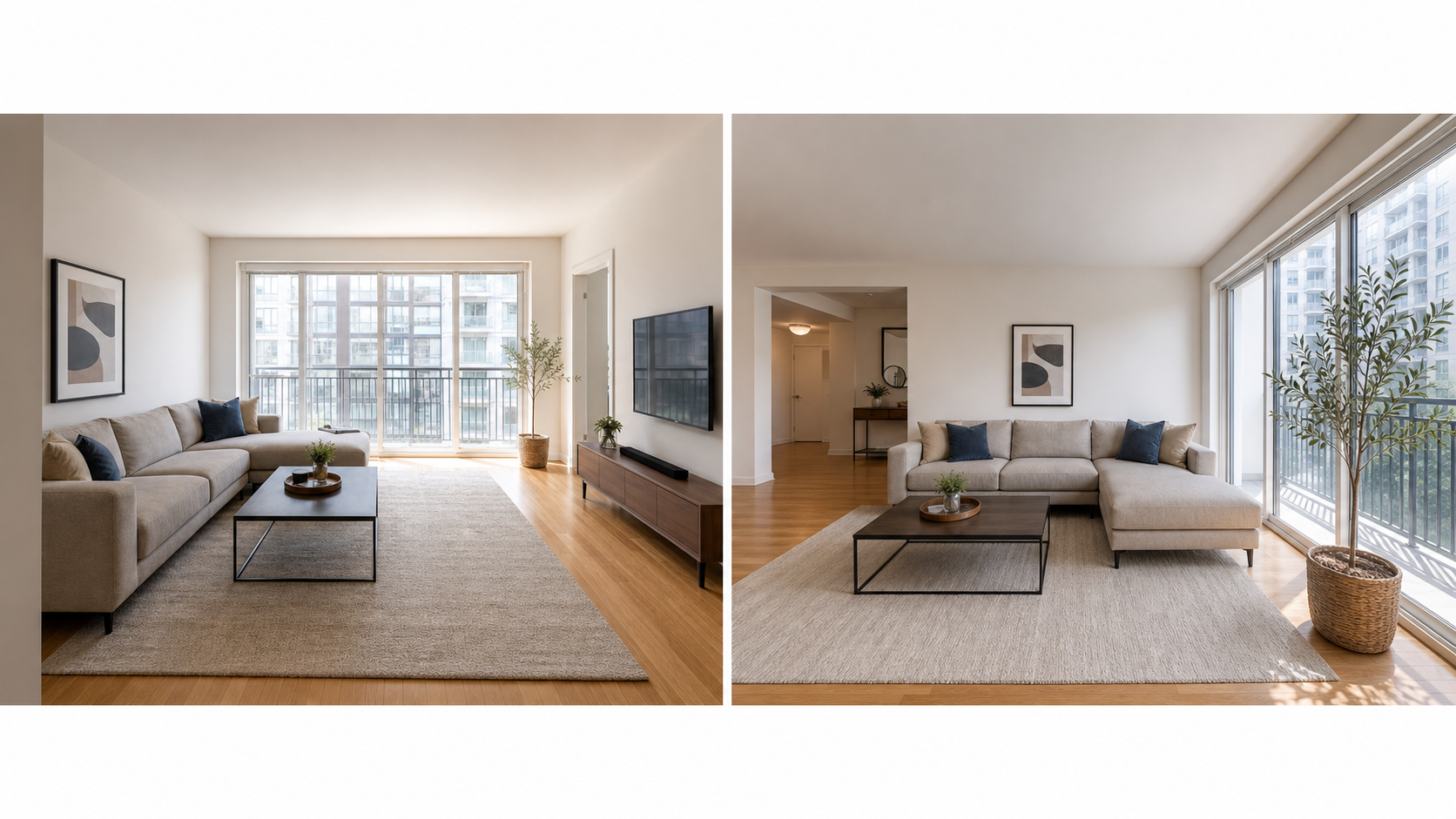
Small spaces punish photography mistakes that a large house absorbs. In a compact bedroom there is often nowhere to stand, so frames end up shot from a doorway at an awkward angle with a radiator or closet door dominating the foreground. Single-window rooms produce one bright wall and three dark ones, which phone cameras handle poorly. Clutter that would disappear in a large open-plan living room fills half the frame in a studio. The result is a gallery where honest, decent apartments photograph worse than they live. Editing fixes the part of that problem that is genuinely photographic: balancing the exposure between the window wall and the dark corners, correcting the yellow cast from ceiling bulbs, straightening converging verticals, and cropping to a calm, readable frame. What editing should not do is compensate by making the room look bigger than it is, because a renter can measure the gap the moment they walk in.
Improve living room, bedroom, kitchen, bathroom, and hallway photos with brighter, cleaner listing-ready output.
Touch up building exteriors, shared spaces, and amenities while keeping the real property context intact.
Generate additional plausible listing-style views when you have real reference photos from the same apartment.
Cover every room and space with at least one clear photo, then add a second angle for the rooms renters weigh most heavily: the kitchen, the living area, and the main bedroom. Airbnb's photo-tour guidance recommends at least one photo per room so each space appears in the tour, Vrbo asks hosts to keep at least 6 photos published, and Booking.com suggests at least 10, so a complete small-unit gallery typically lands around 10 to 15 images. The shot list below works for a studio or one-bedroom; our apartment rental photo checklist expands it room by room, and staging your rental before photos covers the ten minutes of tidying that matter more than any edit.
| Room or space | Shots to get | What the edit should fix |
|---|---|---|
| Living area | Wide shot from a corner, plus one toward the window | Exposure balance between window and interior |
| Kitchen | Full run of counters and appliances, plus one detail shot | Color cast from under-cabinet or ceiling lighting |
| Bedroom | Wide shot showing the bed and floor space | Dim corners, crooked verticals from doorway angles |
| Bathroom | One clear shot covering sink, shower, and toilet | Harsh vanity lighting and mirror glare |
| Exterior and entry | Building front and unit entrance | Sky exposure and small distractions near the door |
| Amenities | Laundry, parking, storage, shared spaces | Even lighting so utility spaces read clean, not grim |
A one-bedroom gallery is a small job: shoot the unit in daylight, upload everything, and edit only the keepers. Uploads are free and one credit produces one finished photo, with packs starting at $4.99 for 3 results and $9.99 for 10, so finishing a typical small-unit gallery costs about what a single stock photo would. If one room has no usable frame, new-angle mode can generate an additional plausible view from real reference photos of the same apartment rather than inventing a space that does not exist. For the shooting side, see how to take the best photos of your place and photographing small spaces.
For most apartment listings the answer turns on what the edit did, not on whether AI did it. Routine corrections, lighting, color correction, cropping, straightening, and sharpening, do not change how the apartment is represented and are generally exempt from disclosure requirements. Edits that add, remove, or change real features of the unit are different: they need disclosure and usually backfire, because apartments show quickly and a renter comparing the photos to the real room will notice. If a licensed agent is marketing the unit in California, AB 723 requires licensees to disclose digitally altered listing images and provide access to the original, unaltered photo starting January 1, 2026, with routine corrections exempt. Property Photo AI's touch-up mode is built to stay on the routine side by preserving the real layout, fixtures, and views. For specifics, read do you have to disclose AI-edited listing photos.
A useful apartment listing edit makes the photo easier to evaluate without hiding important facts. Property Photo AI is designed to keep room size, layout, window and door placement, permanent fixtures, and exterior views honest.
Yes, when the workflow is constrained to honest edits such as exposure, color, crop, sharpness, and minor cleanup without changing room size or layout.
Clear photos of living rooms, kitchens, bedrooms, bathrooms, exteriors, and amenities work best. For new angles, upload multiple real reference photos from the same apartment.
Shoot in daylight, then correct exposure and white balance so the photo matches what the room looks like on a good day. Avoid perspective tricks or edits that make the room read larger than it is; the goal is a clear photo of the real space.
Cover every room and space with at least one photo. Airbnb's photo-tour guidance recommends at least one photo per room, Vrbo asks hosts to keep at least 6 photos published, and Booking.com suggests at least 10, so a complete small-unit gallery usually lands around 10 to 15 images.
Routine lighting, color, crop, and sharpening corrections are generally exempt from disclosure rules because they do not change how the apartment is represented. Edits that change real features need disclosure. California AB 723 makes this explicit for real estate licensees starting January 1, 2026.
Uploads are free, one credit equals one finished photo, and packs start at $4.99 for 3 results and $9.99 for 10. JPG, PNG, and HEIC files up to 50MB are supported.