
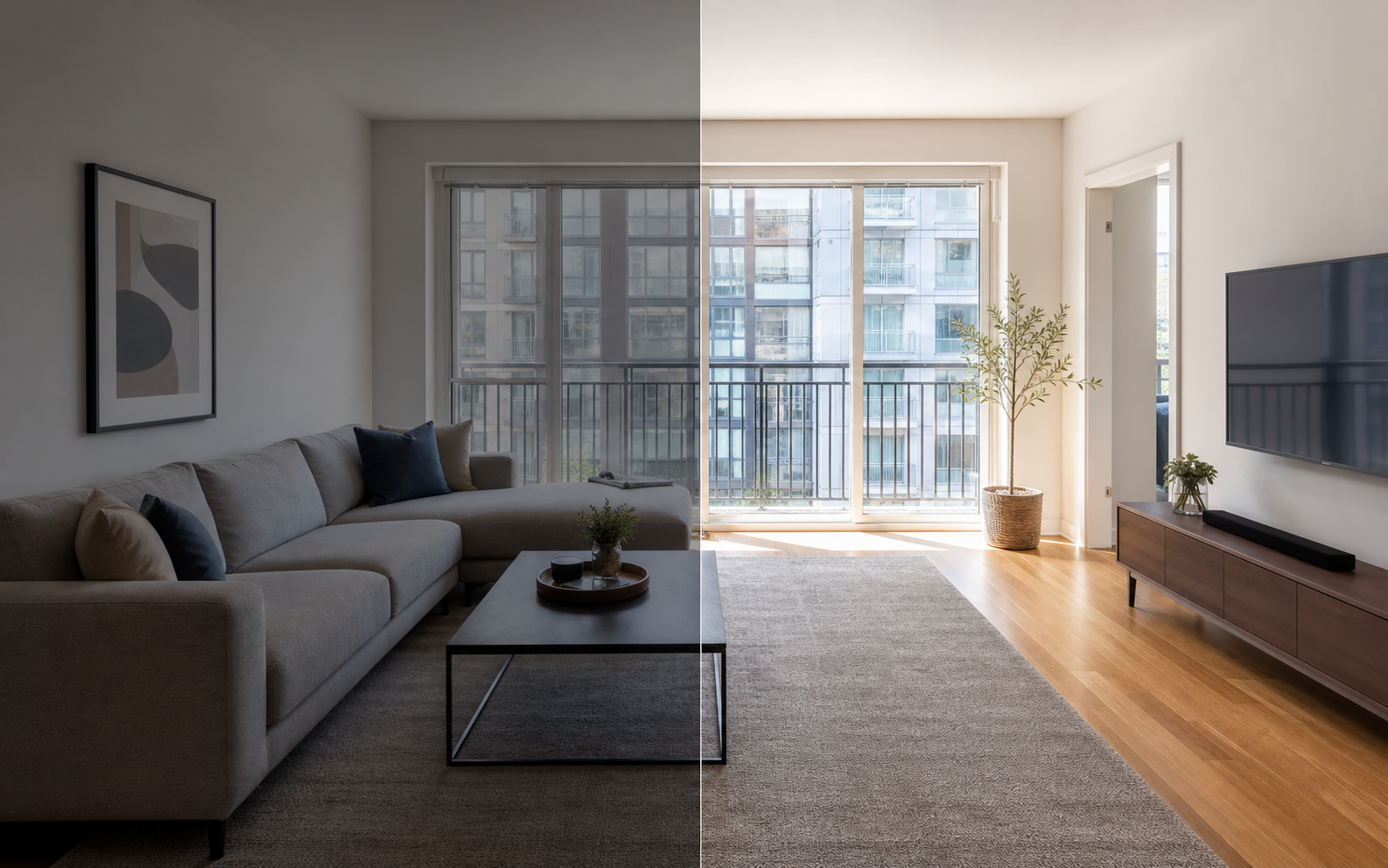
What should apartment rental photos include?
Apartment photos should cover every space that affects the renting decision: living area, each bedroom, kitchen, bathroom, closets, laundry, balcony, the building exterior and entry, parking, and any shared amenities. The job of the gallery is to reduce uncertainty. A renter scanning listings wants to know the layout, the light, the storage, the bathroom condition, and whether the kitchen is actually usable, and every gap in the photos becomes a question mark that pushes them to the next listing.
The most commonly skipped photos are the ones renters quietly care about most: closets, the laundry situation, and the building entry. None of them are glamorous, but they answer the where-does-my-stuff-go and what-is-daily-life-here questions that decide whether someone books a tour.
What order should you shoot the unit in?
Shoot the unit like a walkthrough: living area first, then kitchen, bedrooms, bathroom, storage, and finally the building context, because that is the order in which a renter mentally assembles the home. A consistent sequence has two other benefits. It makes sure nothing gets skipped when you are photographing several units in a day, and it produces a gallery that already tells a coherent story when uploaded in shooting order, which saves reordering later. If the floor plan is unusual, add a frame or two shot from doorways that explain how the rooms connect; confused viewers do not book tours, they move on. Photograph each room from the corner or doorway that shows the most of it honestly, in landscape orientation, with blinds open.
- Start with the living area from the doorway or corner that best explains the layout.
- Move to the kitchen, capturing counters, appliances, and storage in one or two frames.
- Photograph each bedroom showing bed space, window light, and the closet.
- Shoot the bathroom with lights on, mirror wiped, and toilet lid down.
- Capture laundry, hallway closets, and any storage renters would otherwise ask about.
- Photograph the balcony or outdoor space and the view if it is a selling point.
- Finish outside: building exterior, entry, mailboxes, parking, and shared amenities.
Which details make renters commit to a tour?
The details that convert browsers into tour requests are the practical ones: storage, appliance condition, real window light, laundry, flooring, and parking. Renters are burned regularly by listings that looked fine and toured badly, so photos that pre-answer their skeptical questions carry outsized weight. These are not the photos that make a listing pretty; they are the photos that make it credible. A renter who can see the closet interior, the actual washer, and honest daylight has fewer reasons to hesitate and fewer surprises at the showing, which means the tours you do host are with people already half-convinced. Think of each detail shot as removing one objection before it gets raised.
| Detail | Why it matters | How to shoot it |
|---|---|---|
| Closets and storage | Top unspoken question for most renters | Doors open, interior visible |
| Appliance condition | Signals maintenance standards | Clean, straight-on, honest close-up |
| Window light | Cannot be judged from a floor plan | Shoot in daylight, blinds fully open |
| Laundry | In-unit versus shared changes decisions | Show the actual machines and location |
| Flooring | Carpet versus hard floor is a filter | Include floor in wide room shots |
| Parking and entry | Daily-life friction renters plan around | One clear exterior and access shot |
What photo gaps make renters hesitate?
The most damaging gaps are the missing bathroom photo, a dark or absent kitchen shot, no exterior context, bedrooms photographed so tightly that size is unguessable, and zero storage photos. Each gap reads as concealment even when it is just laziness, because renters have learned that landlords rarely forget to photograph the good rooms. A related mistake is the all-angles-of-one-room gallery: five photos of the living room and one blurry bedroom frame tells renters exactly where the problem is. Audit your gallery against the checklist above before publishing, and if a room photographs badly, fix the staging and lighting rather than omitting it. An honest photo of a mediocre room keeps a renter in the funnel; a missing photo usually ends it.
What do Zillow and Craigslist require from rental photos?
Zillow Rental Manager accepts JPG, GIF, PNG, or TIF files under 10 MB each, and lets you choose the primary photo; its guidance notes kitchen or living-room shots often work well in that lead slot. Craigslist is simpler: you add images during the posting flow, galleries are basic, and the first few photos do nearly all the work, so front-load your strongest frames. You can edit a Craigslist post later to swap images, which is worth doing if a listing is getting views but no replies. Shoot in landscape orientation at high resolution and the same set of photos will work across both platforms plus any others you syndicate to.
For platform-specific tactics, see Zillow and Craigslist apartment photos and the wider guide to making the best apartment listing.
How should you edit apartment photos before listing?
Edit for clarity and consistency, not transformation. Correct exposure so rooms are readable, fix white balance so walls are the color they really are, straighten vertical lines, and crop out distracting edges. Then make the gallery consistent, because a set of photos with matching brightness and color reads as professional and trustworthy even from a phone camera. Property Photo AI does this kind of touch-up in one pass while preserving the real layout, fixtures, and views, and uploads are free with packs starting at $4.99 for three finished photos. The hard limits: do not hide damage, change finishes, or make rooms look larger than they are. Every apartment photo gets audited in person at the tour, and an edit that fails that audit costs you the applicant and the time.
FAQ
What should apartment rental photos include?
Include the living area, every bedroom, kitchen, bathroom, closets and storage, laundry, balcony, building exterior or entry, parking, and shared amenities. Every space that affects a renter's decision deserves at least one clear photo, including the unglamorous ones like closets.
How many photos does an apartment listing need?
Most units are covered well in 12 to 20 photos: two or three per main room plus singles for storage, laundry, exterior, and amenities. Fewer than eight usually signals something is being hidden; renters hesitate on listings with obvious gaps.
What photo should be first on an apartment listing?
Lead with your strongest living-area or kitchen photo. Zillow's rental guidance notes kitchen or living-room photos often work well as the primary image, and Zillow lets you choose which photo leads, so pick deliberately rather than accepting upload order.
Why do apartment photos affect leasing speed?
Renters use photos to decide whether a unit is worth touring or applying for. Clear, complete galleries pre-answer questions about layout, light, storage, and condition, which tends to attract better-matched inquiries and fewer wasted showings for both sides.
Can I edit apartment photos before listing them?
Yes. Correcting exposure, color, crop, and straightening lines is normal and helps renters see the unit clearly. Do not hide damage, alter finishes, or distort room size; tenants inspect the real unit at the tour, and mismatches kill applications.
How Property Photo AI helps
Property Photo AI helps landlords, Airbnb hosts, property managers, and real estate teams turn existing room photos into cleaner listing-ready images. It is built for realistic touch-ups: better light, color, crop, sharpness, and small-distraction cleanup without changing the actual room layout, fixtures, view, or condition.
Sources
- Airbnb Help Center: Taking great photos of your listing
- Airbnb Help Center: Setting up a photo tour for your home listing
- Airbnb Help Center: Add visual descriptions to photos in your listing
- Airbnb Help Center: Confirming photo accuracy for listings
- Airbnb Help Center: Offer for free Airbnb photography
- Google Business Profile
- Google Business Profile Help: Manage your hotel's details
- Booking.com Partner Hub: Understanding photo requirements for your property
- Booking.com Partner Hub: Improve visibility and ranking
- Vrbo Help: Photo guidelines
- Zillow Rental Manager Help: Photo Uploading Tips
- Zillow Rental Manager: Post a listing
- Zillow Rental Manager Help: Why is my primary photo different?
- Craigslist Help: Creating a posting
- Craigslist Help: Images
- Airbnb Help Center: Pricing your home listing
- Airbnb Help Center: Compare similar listings
- Airbnb Help Center: How search results work