
Can a small Airbnb convert well with honest photos?
Yes. Small spaces do not need fake size to book well; they need clarity. Guests who choose compact listings are usually filtering on price, location, or simplicity, and they will forgive small rooms if the photos set the right expectation and answer their practical questions: where do I sleep, where does my bag go, can I work here, how does the bathroom look. A bright, complete, well-organized gallery signals a well-managed stay, and that signal matters more for small listings than for large ones because guests have less margin for surprise. The goal of every photo should be to make the space easy to understand, not to make it look like a different property. Honest presentation filters in the guests who will actually be happy, which protects your reviews.
Why does over-selling a small space backfire?
Because the guest eventually walks through the door. If wide-angle distortion or aggressive cropping makes a room look much larger than it feels, the booking may still happen, but the stay starts with disappointment. That gap tends to show up in review language like smaller than pictured, which future guests read carefully and which is hard to recover from. Airbnb's host guidance emphasizes photo accuracy: guests should get what the photos promise. A small listing that photographs honestly can build a steady record of accurate, tidy, as-described reviews, and that record is worth more over a year of bookings than a temporary bump from misleading photos. Over-selling also attracts the wrong guests, people who needed more space and would have filtered your listing out if the photos had been truthful.
What should photos of a small Airbnb show?
Cover everything a guest needs to evaluate the stay: the bed, the walkable floor area, storage, windows and natural light, the bathroom, the kitchen or kitchenette, any workspace, and the entry path. If the listing is studio-style, include at least one photo that explains how the sleeping, eating, and working zones relate to each other, because layout is the main question in a guest's mind. Airbnb's photo-tour guidance suggests each room or space should have at least one photo to appear in the tour, so do not skip small areas.
| Area | What the photo must answer |
|---|---|
| Sleeping area | Bed size, bedding condition, clearance around the bed |
| Storage | Where luggage and clothes actually go |
| Bathroom | Shower or tub, cleanliness, counter space |
| Kitchen or kitchenette | What cooking is realistically possible |
| Workspace | Desk or table size, outlet and light access |
| Layout shot | How the zones connect in one frame |
How do you photograph a small room without distortion?
Shoot from positions that explain the layout, keep the camera level, and resist the temptation to go wider than the room can honestly support. A moderate wide angle from a corner or doorway usually shows enough context; anything more extreme starts stretching the floor and bending the walls.
- Clean fully and remove clutter; small rooms show every object.
- Open blinds and shoot in daylight, which Airbnb's guidance recommends.
- Stand in a corner or doorway that shows two walls and the main furniture.
- Hold the camera level at roughly chest height so vertical lines stay straight.
- Use a moderate wide angle only; avoid settings that visibly stretch the frame.
- Take one layout shot, then closer shots of storage, bed, and workspace.
- Shoot landscape at 1024x683 pixels or larger for Airbnb.
Where should small-space photos sit in the photo tour?
Lead with the strongest honest frame, usually the layout shot that shows the room at its brightest and tidiest, then move through sleeping, bathroom, kitchen, and storage in the order a guest would evaluate them. The first five photos carry most of the decision weight on Airbnb, so use them to answer the big questions rather than saving the bathroom for slot fifteen. A small listing with a confident, complete opening sequence reads as well-managed.
For the broader sequencing logic, see how to order your Airbnb photo tour and the general Airbnb photo checklist.
How should you edit small-space photos honestly?
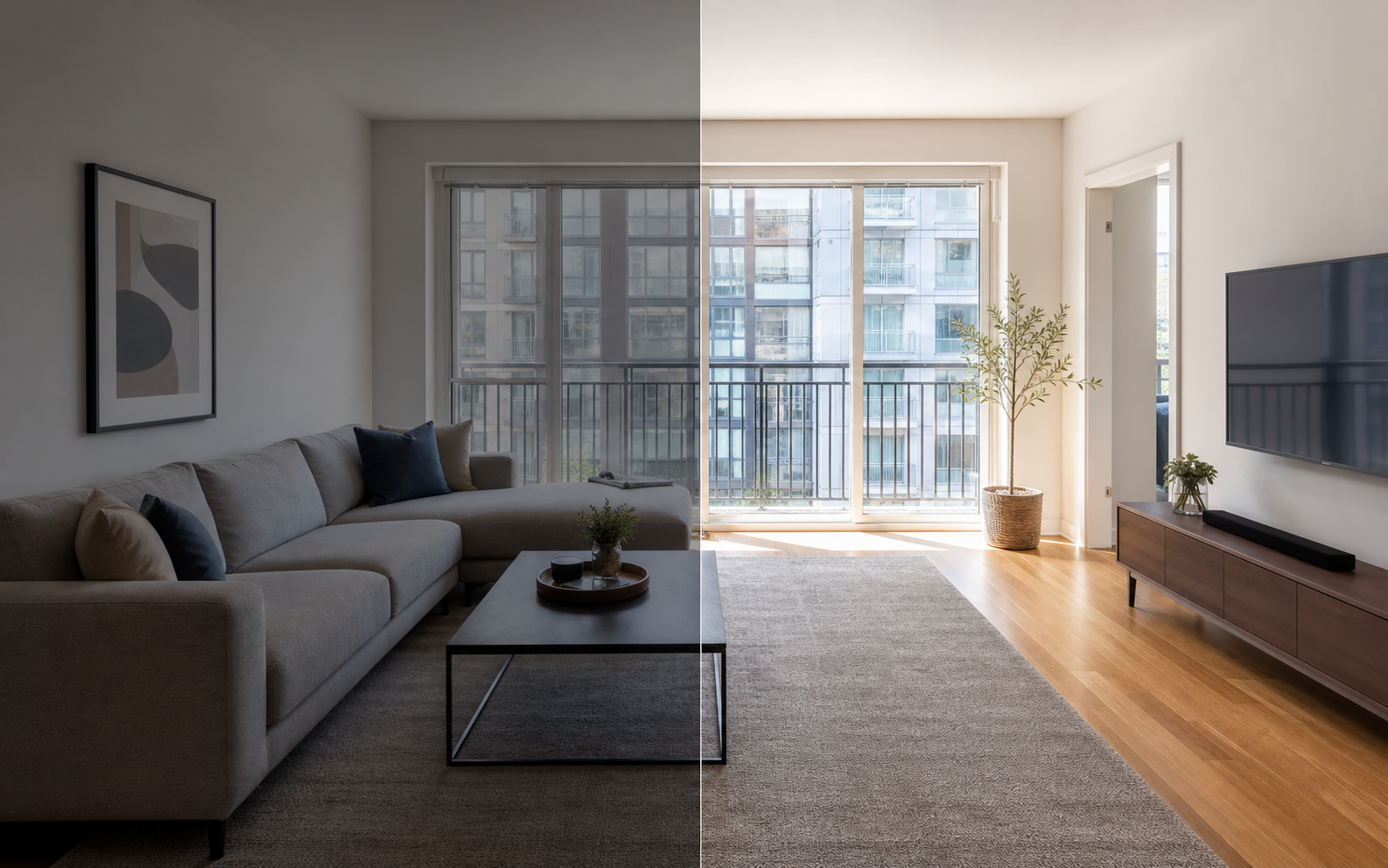
Edit for clarity, not for size. Brightening a dim corner, correcting a yellow color cast, straightening the frame, and sharpening detail all help a guest inspect the real room, and those routine corrections are normal practice. Removing a stray charging cable is reasonable; removing a radiator, a support column, or a low ceiling line is not, because those change what the guest will actually find. Property Photo AI's touch-up mode is built around this line: it improves lighting, color, crop, and sharpness while preserving the real layout, fixtures, and views, so a small room looks its best without becoming a fiction. Whatever tool you use, apply one test before publishing: would a guest standing in the doorway feel the photo told the truth? If yes, the edit is working for you, not against you.
FAQ
Should small Airbnb rooms be photographed with wide-angle lenses?
Use care. A moderate wide angle can show layout and help a guest understand how the room fits together, but extreme distortion stretches walls and floors, misleads guests about real size, and often produces disappointed reviews after check-in.
How can small spaces look better in photos?
Clean the room completely, shoot in daylight, pick a corner or doorway that explains the layout, and keep vertical lines straight. Show the sleeping setup, storage, and walkable floor space honestly so guests can judge whether the space works for them.
Should a small Airbnb listing mention square footage?
It usually helps. Pairing honest photos with a stated size or a simple layout note sets expectations clearly. Guests who book a compact space knowingly tend to review it more fairly than guests who feel surprised at check-in.
Can AI editing make a small room look bigger?
AI tools can brighten, correct color, and crop, which makes small rooms easier to read. They should not move walls, widen floors, or invent windows. Edits that change the apparent size of a real room are misleading and hurt trust.
Do vertical photos work for small rooms?
Shoot landscape for the listing. Airbnb search results display photos in landscape, and its guidance recommends landscape images of at least 1024x683 pixels, so vertical shots get cropped awkwardly and can hide the context a small room needs.
How Property Photo AI helps
Property Photo AI helps landlords, Airbnb hosts, property managers, and real estate teams turn existing room photos into cleaner listing-ready images. It is built for realistic touch-ups: better light, color, crop, sharpness, and small-distraction cleanup without changing the actual room layout, fixtures, view, or condition.
Sources
- Airbnb Help Center: Taking great photos of your listing
- Airbnb Help Center: Setting up a photo tour for your home listing
- Airbnb Help Center: Add visual descriptions to photos in your listing
- Airbnb Help Center: Confirming photo accuracy for listings
- Airbnb Help Center: Offer for free Airbnb photography
- Google Business Profile
- Google Business Profile Help: Manage your hotel's details
- Booking.com Partner Hub: Understanding photo requirements for your property
- Booking.com Partner Hub: Improve visibility and ranking
- Vrbo Help: Photo guidelines
- Zillow Rental Manager Help: Photo Uploading Tips
- Zillow Rental Manager: Post a listing
- Zillow Rental Manager Help: Why is my primary photo different?
- Craigslist Help: Creating a posting
- Craigslist Help: Images
- Airbnb Help Center: Pricing your home listing
- Airbnb Help Center: Compare similar listings
- Airbnb Help Center: How search results work