
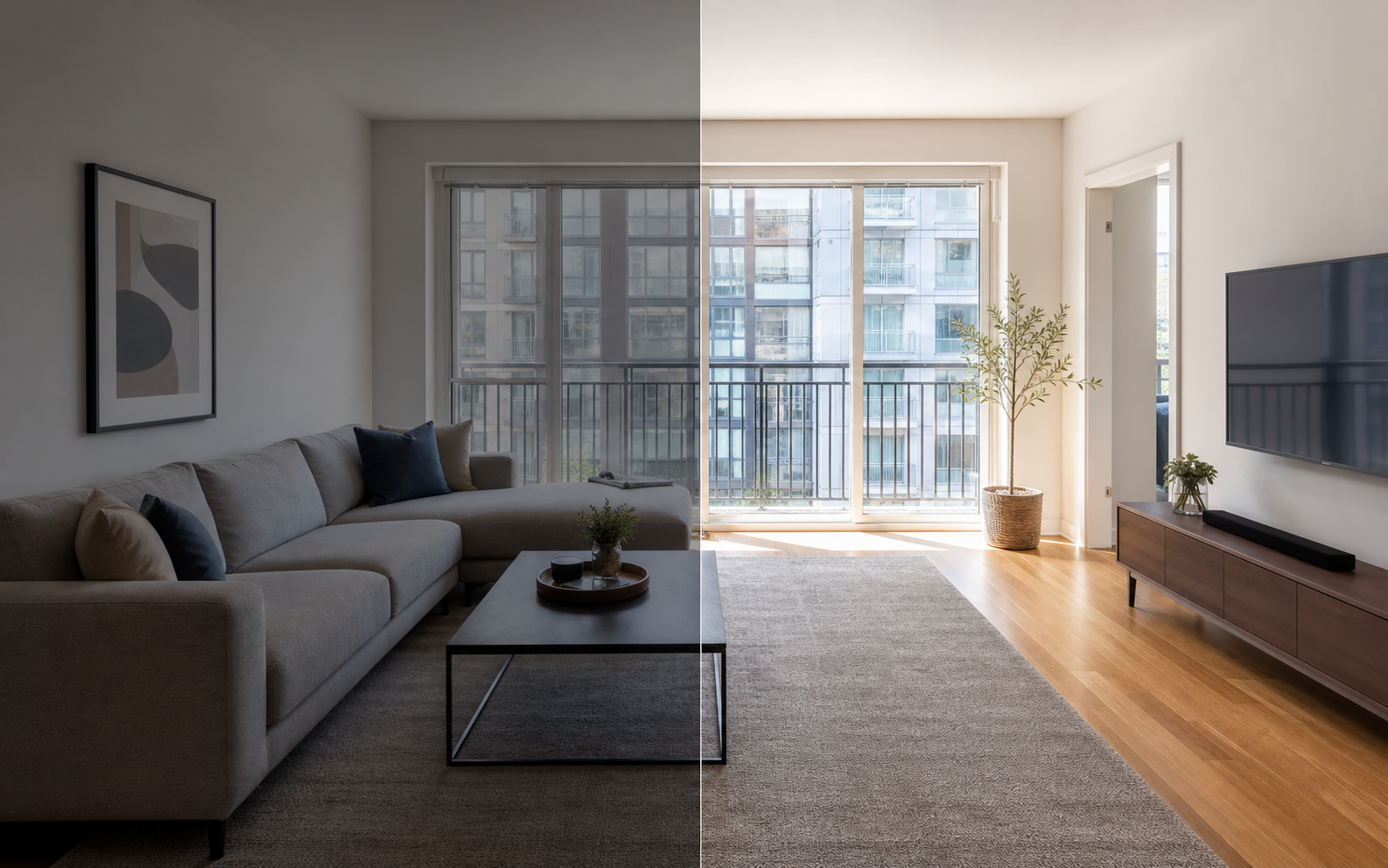
What makes the best apartment listing on Zillow and Craigslist?
The best apartment listing removes renter uncertainty. A renter should be able to learn what the unit looks like, what it truly costs, whether it fits their situation, and exactly what to do next, all without sending a basic clarification message. Every question your listing leaves open is friction, and friction filters out good renters as effectively as bad ones.
That standard breaks into five parts: photos that prove the unit, a title that works like a search filter, pricing and terms stated completely, a description that answers real objections, and a clear next step for contact and tours. None of these requires professional marketing skills. They require completeness and honesty, which most competing listings lack, so doing them all is itself a competitive advantage.
What photos should lead the listing?
Lead with a bright, landscape photo of the living area or kitchen, since those rooms communicate size, light, and condition fastest, and Zillow notes they often perform well as the primary rental photo. Then walk the renter through the unit: bedrooms, bathroom, closets and storage, laundry, exterior or entry, parking, and shared amenities. Do not skip the bathroom or the kitchen; those gaps make renters suspicious that something is wrong. Keep photos honest about room size and condition, because everything you show gets audited at the tour.
For a full room-by-room breakdown, see the best photos for a Zillow or Craigslist listing.
What should the title and description include?
Write the title like a filter, not an advertisement. Include the facts renters search and scan for: neighborhood, bedroom and bathroom count, rent, and one genuine differentiator such as parking, in-unit laundry, or a pet-friendly policy. Avoid all-caps, keyword stuffing, and vague superlatives, which read as spam and get skipped. The description should then answer objections in order of importance: layout and square footage, appliances, heating and cooling, storage, noise and light, transit and commute context, and building details. Write in short factual sentences. A renter who finishes the description should have no basic questions left, only a decision about touring. If the unit has a real weakness, such as street parking only or a walk-up floor, state it plainly; disclosed drawbacks filter out mismatched applicants early and make everything else you wrote more credible.
What rent and terms details do renters compare?
Renters compare total cost and commitment across listings, so listings that state everything win trust even when they are not the cheapest. Ambiguity reads as risk: a missing utilities line or an unstated pet fee makes renters assume the worst, and questions about money are the ones renters least want to ask over message. Use this checklist and state each item explicitly, including the ones that are zero, since a stated zero is itself a selling point.
| Term | What to state |
|---|---|
| Monthly rent | Exact amount, and whether it is firm |
| Deposit | Amount and refund conditions |
| Utilities | Which are included, which are tenant-paid |
| Fees | Application, pet, parking, and move-in fees |
| Lease | Length, available date, renewal terms |
| Requirements | Screening, income, references, insurance |
How do you post the listing step by step?
Once the photos and details are ready, posting well takes under an hour on each platform.
- Finalize your photo set and put the strongest kitchen or living-room shot first.
- Write the title with neighborhood, bed and bath count, rent, and one differentiator.
- Fill every field Zillow offers, and pick your primary photo deliberately.
- Paste a complete description covering rooms, terms, fees, and move-in date.
- Post to Craigslist with the same photos, front-loading the best images since its gallery is simpler.
- Reread both posts as a skeptical renter and fix anything vague.
- Set up notifications so you can respond to inquiries within hours, not days.
- Update or repost with corrections as questions come in; Craigslist lets you edit posts and images later.
How do you edit photos without misleading renters?
Photo editing for a rental listing should make the real unit easier to inspect, nothing more. Straightening lines, brightening dark rooms, correcting color casts, and removing tiny temporary distractions are routine and honest. Keeping damage, finishes, layout, appliances, and room size truthful is not optional: renters tour with the photos in mind, and a unit that undersells the gap between photo and reality rents faster than one that oversells it. Property Photo AI applies exactly those routine corrections to your existing photos while preserving the unit's real layout and condition, which is the disclosure-safe zone for rental marketing.
If you are unsure where the line sits, the disclosure-safe enhancement checklist covers it edit by edit.
Occupied unit? Read staging your rental before photos before you schedule the shoot.
FAQ
What makes an apartment listing better than the competition?
A better apartment listing has clear photos, accurate rent and fees, useful room details, honest condition notes, location context, move-in terms, and a fast way to contact the landlord. It removes renter uncertainty so the only remaining question is whether to tour.
Should I post the same photos on Zillow and Craigslist?
Usually yes. Build one honest, complete photo set, lead with the cleanest kitchen or living-room shot, and check that size, format, and order work on each platform. Craigslist rewards strong early photos because its gallery is simpler.
What should go in the listing title?
The most searchable facts: neighborhood, bedroom and bathroom count, rent, and one real differentiator such as parking, in-unit laundry, or pet-friendliness. Skip all-caps, exclamation points, and vague claims, which read as spam on both platforms.
What costs should an apartment listing state up front?
Monthly rent, security deposit, which utilities are included, application fees, pet fees or deposits, parking fees, lease length, and the available date. Renters compare totals across listings, and surprises discovered later usually kill otherwise good applications.
How fast should I respond to listing inquiries?
As fast as you reasonably can, ideally within a few hours. Serious renters message several listings at once and often tour whichever landlord answers first. A prompt, specific reply with tour availability outcompetes a slightly nicer unit with a slow landlord.
How Property Photo AI helps
Property Photo AI helps landlords, Airbnb hosts, property managers, and real estate teams turn existing room photos into cleaner listing-ready images. It is built for realistic touch-ups: better light, color, crop, sharpness, and small-distraction cleanup without changing the actual room layout, fixtures, view, or condition.
Sources
- Airbnb Help Center: Taking great photos of your listing
- Airbnb Help Center: Setting up a photo tour for your home listing
- Airbnb Help Center: Add visual descriptions to photos in your listing
- Airbnb Help Center: Confirming photo accuracy for listings
- Airbnb Help Center: Offer for free Airbnb photography
- Google Business Profile
- Google Business Profile Help: Manage your hotel's details
- Booking.com Partner Hub: Understanding photo requirements for your property
- Booking.com Partner Hub: Improve visibility and ranking
- Vrbo Help: Photo guidelines
- Zillow Rental Manager Help: Photo Uploading Tips
- Zillow Rental Manager: Post a listing
- Zillow Rental Manager Help: Why is my primary photo different?
- Craigslist Help: Creating a posting
- Craigslist Help: Images
- Airbnb Help Center: Pricing your home listing
- Airbnb Help Center: Compare similar listings
- Airbnb Help Center: How search results work