
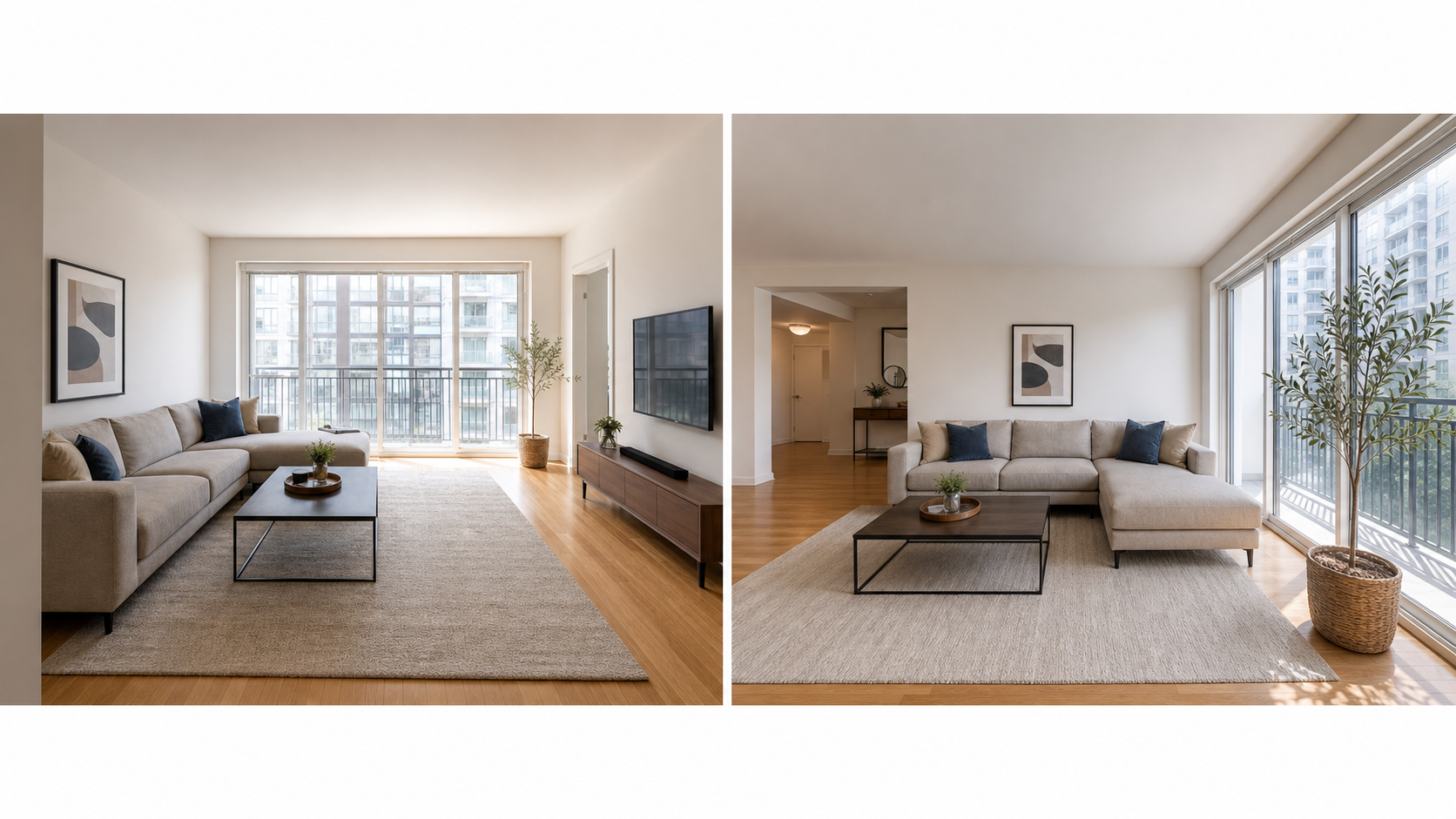
What photos does a Zillow or Craigslist apartment listing need?
A renter scanning Zillow or Craigslist is deciding one thing: is this unit worth a tour? Your photo set should answer their practical questions before they contact you, which means covering layout, condition, natural light, kitchen, bathroom, bedrooms, storage, laundry, parking, and the building itself. A listing that answers those questions in pictures gets fewer dead-end messages and more qualified tour requests.
The same set works on both platforms, but the emphasis differs. Zillow renders a proper gallery with a primary photo, so your first image and full coverage both matter. Craigslist galleries are simpler, so the first few photos do most of the work and anything buried past position six may never be seen. Build one honest, complete set, then order it for each platform.
What should the first photo show?
Lead with the room that sells the unit at a glance, which for most apartments is the living area or the kitchen. Zillow's own guidance notes that kitchen or living-room photos often perform well as the primary photo for rental listings, and Zillow lets you choose which image is primary. Pick a bright, landscape, honestly framed shot that shows the room's real size and condition. Avoid leading with the building exterior unless it is genuinely a draw: renters choose units, not facades, and a generic exterior wastes your best slot. On Craigslist, the same logic applies but with less forgiveness, since a weak first thumbnail in a crowded search page is often the whole decision.
What is the full apartment shot list?
Aim for a complete walkthrough in twelve to twenty photos. Every room a renter will live in deserves at least one clear landscape shot, and the spaces renters worry about deserve two. Use this shot list as a baseline and add anything specific to your unit, such as a balcony, a view, or included appliances.
| Space | What the photo must show |
|---|---|
| Living area | Full room, windows, natural light, floor condition |
| Kitchen | Counters, appliances, cabinet storage, sink area |
| Each bedroom | Room size, window, closet door, outlet placement if possible |
| Bathroom | Vanity, toilet, shower or tub, overall condition |
| Storage and laundry | Closets, in-unit or shared laundry, extra storage |
| Exterior and entry | Building front, unit entrance, hallway condition |
| Parking and amenities | Assigned spot, garage, gym, courtyard, mail area |
How do Zillow and Craigslist photo requirements differ?
Zillow Rental Manager accepts JPG, GIF, PNG, or TIF files and requires rental photo files to be under 10 MB each, and it lets you pick the primary photo that leads the listing. Craigslist is looser: you add images during the posting flow, and you can edit the post later to update or reorder images, but the gallery presentation is simpler and renters mostly judge from the first few thumbnails. Practical takeaway: export clean landscape JPGs at a generous resolution, keep files comfortably under the Zillow cap, and put your strongest images first everywhere. Avoid text overlays and heavy watermarks; they look like ads rather than a real unit, and they age badly when reposted.
How do you photograph an apartment in one pass?
One prepared session beats three rushed ones. Shoot on a bright day, work room by room, and capture more frames than you plan to publish so you can cull the weak ones later.
- Clean and declutter every room, and remove tenant personal items if the unit is occupied and you have permission.
- Open all blinds and curtains, and turn on every light to balance the exposure.
- Shoot landscape from chest height at each doorway to capture the whole room.
- Take a second angle in the kitchen, bathroom, and main living area.
- Photograph closets, laundry, parking, entry, and building amenities.
- Step outside for the exterior and entrance while the light is still good.
- Review on a larger screen, delete blurry or duplicate frames, and keep the clearest shot per space.
How should you edit apartment photos honestly?
Edit so renters can inspect the unit, not so the unit looks like a different unit. Routine corrections are fine and expected: brighten dark rooms, fix yellow color casts from mixed lighting, straighten vertical lines, sharpen slightly, and crop out awkward edges. What you must not do is remove damage, hide permanent wear, swap finishes, or stretch rooms wider than reality, because every renter who tours will compare the unit against the photos and misleading edits cost you trust and time. Property Photo AI is built for exactly the honest side of this line: it corrects lighting, color, and framing while preserving the real layout, fixtures, and condition.
For the broader listing beyond photos, see how to make the best apartment listing, and use the apartment rental photo checklist before you post.
FAQ
What photos should I put on a Zillow rental listing?
Cover the living area, kitchen, every bedroom, bathroom, closets or storage, laundry, exterior or building entry, parking, shared amenities, and any balcony or view. Zillow notes that kitchen or living-room photos often work well as the primary rental photo.
Are Craigslist apartment photos different from Zillow photos?
The photos themselves can be the same, but Craigslist galleries are simpler, so the first few images carry more weight. Lead with a clean living area or kitchen, then bathroom, bedroom, and exterior, and keep the strongest shots at the front.
What image formats and sizes does Zillow accept for rentals?
Zillow Rental Manager accepts JPG, GIF, PNG, or TIF files, and rental photo files must be under 10 MB each. Export landscape images at a generous resolution without heavy compression so rooms stay sharp when renters zoom in.
Which missing photo hurts an apartment listing most?
The bathroom. Renters assume a listing without a bathroom photo is hiding something, and the kitchen is a close second. A complete set that includes storage, laundry, and parking answers objections before renters message you.
Can I edit apartment photos before posting them?
Yes, within honest limits. Brightening dark rooms, fixing color casts, straightening lines, and cropping are routine. Do not remove damage, hide permanent wear, change finishes, or make rooms look larger than they are, because misleading photos surface at the tour.
How Property Photo AI helps
Property Photo AI helps landlords, Airbnb hosts, property managers, and real estate teams turn existing room photos into cleaner listing-ready images. It is built for realistic touch-ups: better light, color, crop, sharpness, and small-distraction cleanup without changing the actual room layout, fixtures, view, or condition.
Sources
- Airbnb Help Center: Taking great photos of your listing
- Airbnb Help Center: Setting up a photo tour for your home listing
- Airbnb Help Center: Add visual descriptions to photos in your listing
- Airbnb Help Center: Confirming photo accuracy for listings
- Airbnb Help Center: Offer for free Airbnb photography
- Google Business Profile
- Google Business Profile Help: Manage your hotel's details
- Booking.com Partner Hub: Understanding photo requirements for your property
- Booking.com Partner Hub: Improve visibility and ranking
- Vrbo Help: Photo guidelines
- Zillow Rental Manager Help: Photo Uploading Tips
- Zillow Rental Manager: Post a listing
- Zillow Rental Manager Help: Why is my primary photo different?
- Craigslist Help: Creating a posting
- Craigslist Help: Images
- Airbnb Help Center: Pricing your home listing
- Airbnb Help Center: Compare similar listings
- Airbnb Help Center: How search results work