
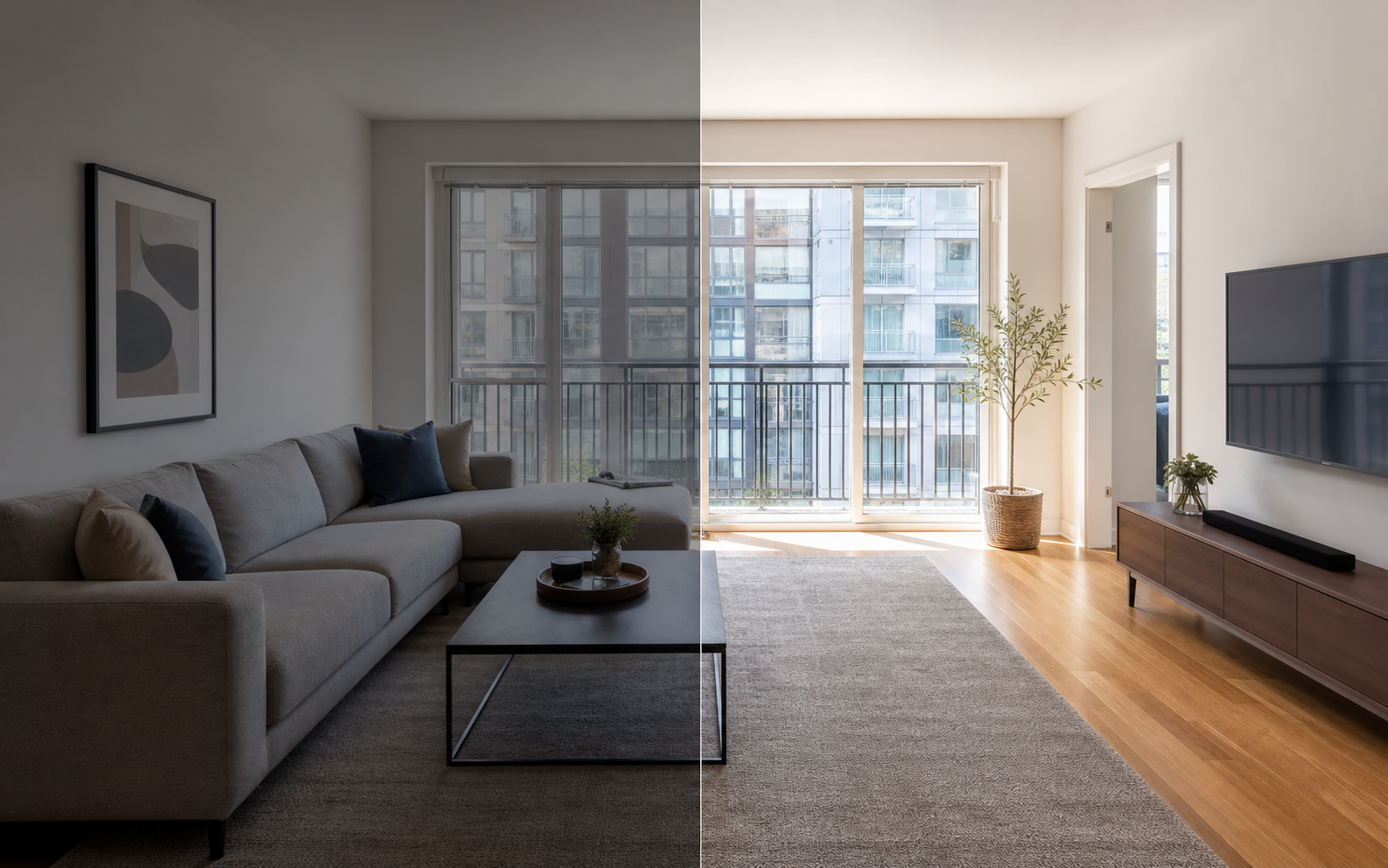
What makes an Airbnb photo actually good?
The best Airbnb photos are not just attractive; they help a guest decide quickly whether the place fits the trip. A good gallery does four jobs at once: it earns the click with a strong cover, answers the big questions in the first five images, proves every room and amenity exists as described, and holds together visually so the listing feels professionally managed. Airbnb's own host guidance points the same direction: clean, clutter-free spaces shot in daylight, landscape orientation at 1024x683 pixels or larger, and photos that highlight unique amenities and accessibility features.
Notice what is missing from that definition: dramatic angles, heavy filters, and decor styling. Guests are not buying a photograph. They are buying a stay, and the photos win when they make that stay easy to imagine accurately.
What should the first five photos show?
Airbnb says the first five photos are especially important on the listing, so treat them as your pitch. Use those slots to answer the biggest booking questions in order: why click at all, where guests sleep, how clean the bathroom feels, whether the kitchen works for the trip, and what makes this stay different from the one next door. For most listings that means a strong cover, the primary bedroom, the main bathroom, the kitchen or living area, and your best amenity or view. If your property has one exceptional feature, promote it; a lake view or private pool can earn slot two even ahead of the bedroom.
| Slot | Photo | Question it answers |
|---|---|---|
| 1 | Strongest overall shot | Why should I click this listing? |
| 2 | Primary bedroom | Where will I sleep, and is it comfortable? |
| 3 | Main bathroom | Is it clean and modern enough? |
| 4 | Kitchen or living area | Can I actually live here for the trip? |
| 5 | Best amenity or view | What makes this stay different? |
Which rooms and details does a complete gallery need?
Photograph every guest-facing room, the exterior or entrance, parking when relevant, amenities guests filter for, and any feature that supports the nightly price. Airbnb's photo-tour guidance suggests each room or space have at least one photo so it appears in the tour, and guests tend to read a missing room as a hidden problem. Cover each bedroom with its real bed setup, each bathroom, the kitchen with usable counter space, the living area, workspace, laundry, and outdoor spaces. Do not skip modest spaces; a plain but clean second bathroom photographed honestly builds more trust than its absence, which guests fill in with worst-case guesses.
Avoid duplicate angles unless a second shot genuinely explains layout. Two photos per room is usually enough. For a full room-by-room list, see the Airbnb photo checklist, and for feature coverage see Airbnb amenity photos.
How do you shoot each room well?
Good Airbnb photos come from preparation and light more than equipment. A recent phone camera is enough if the room is clean, the lens is level, and the light is generous. Shoot in daylight with lamps on, in landscape orientation, and resist the temptation to shoot from corners at angles that make rooms look larger than they are; guests eventually stand in the real room, and the comparison should land in your favor. Work one room at a time with a repeatable routine so the whole gallery comes out consistent, and expect the shoot for a typical home to take an hour or two, not a full day.
- Clean and stage the room exactly as guests will find it at check-in.
- Open blinds and curtains, turn on every lamp, and shoot midday.
- Hold the camera level at about chest height to keep verticals straight.
- Frame in landscape and include enough context to convey real size.
- Take two or three angles per room, then keep only the clearest one or two.
- Capture one honest detail shot of anything guests filter for.
- Review everything at thumbnail size and reshoot anything unclear.
How should you edit Airbnb photos without misleading guests?
Edit for clarity and consistency, and stop before the photo promises something the property does not deliver. Brightening, color correction, cropping, straightening, and sharpening are routine corrections; so is removing a small temporary distraction like a charging cable. What crosses the line is changing the property itself: stretching rooms, adding fake views or furniture, or hiding permanent issues like stains and damage. Airbnb emphasizes photo accuracy, and a guest comparing the room to the photo at check-in is the audit you will always face.
Property Photo AI enforces this boundary by design: touch-up mode improves lighting, color, and sharpness while preserving the real layout, fixtures, and views. If you want the fuller rules on where enhancement ends and misrepresentation begins, see AI photo editing vs misrepresentation.
How do you review the finished gallery like a guest?
Open the finished gallery on a phone, because that is where most guests will see it, and give yourself thirty seconds. In that time you should be able to answer what the place is, where you would sleep, whether the bathroom and kitchen are acceptable, and why this listing beats the alternatives. If any answer requires scrolling back or guessing, the gallery needs a better cover, a different order, or a missing room filled in.
Then do a second pass for honesty. Compare each photo against the property as it stands today and remove anything outdated or flattering to the point of distortion. Finally, add objective visual descriptions to your photos; Airbnb notes they help guests using screen readers, guests on slow connections, and give search engines context about your images.
FAQ
What are the best photos for an Airbnb listing?
The best photos clearly show the main reason to book, the sleeping setup, the bathroom, the kitchen, the living area, filtered amenities, the entry, and any view or outdoor space. Together they let a guest understand the whole stay quickly and without surprises at check-in.
What should the first Airbnb photo be?
Use your strongest landscape photo that explains the value of the stay at thumbnail size: a bright living room, a real view, a pool, or another honest differentiator. Airbnb displays search-result photos in landscape and recommends at least 1024x683 pixels, bigger where possible.
Do photos need to show every room?
Yes. Airbnb's photo-tour guidance suggests each room or space have at least one photo so it appears in the photo tour. Guests read missing rooms as hidden problems, so even a modest second bathroom or compact entry deserves one clear, honest shot.
How much editing is acceptable for Airbnb photos?
Routine corrections are normal: brightening, color correction, cropping, straightening, and sharpening. Edits that change what the property offers, like fake views, removed defects, or stretched rooms, mislead guests and invite complaints. Airbnb emphasizes that guests should get what the photos promise.
Should I write descriptions for my Airbnb photos?
Yes. Airbnb notes that visual descriptions help guests who use screen readers, guests on slow connections, and give search engines context about your images. Keep captions objective and factual, such as naming the room and its key feature, rather than promotional.
How Property Photo AI helps
Property Photo AI helps landlords, Airbnb hosts, property managers, and real estate teams turn existing room photos into cleaner listing-ready images. It is built for realistic touch-ups: better light, color, crop, sharpness, and small-distraction cleanup without changing the actual room layout, fixtures, view, or condition.
Sources
- Airbnb Help Center: Taking great photos of your listing
- Airbnb Help Center: Setting up a photo tour for your home listing
- Airbnb Help Center: Add visual descriptions to photos in your listing
- Airbnb Help Center: Confirming photo accuracy for listings
- Airbnb Help Center: Offer for free Airbnb photography
- Google Business Profile
- Google Business Profile Help: Manage your hotel's details
- Booking.com Partner Hub: Understanding photo requirements for your property
- Booking.com Partner Hub: Improve visibility and ranking
- Vrbo Help: Photo guidelines
- Zillow Rental Manager Help: Photo Uploading Tips
- Zillow Rental Manager: Post a listing
- Zillow Rental Manager Help: Why is my primary photo different?
- Craigslist Help: Creating a posting
- Craigslist Help: Images
- Airbnb Help Center: Pricing your home listing
- Airbnb Help Center: Compare similar listings
- Airbnb Help Center: How search results work