
Why do bathroom photos matter so much on Airbnb?
Bathrooms are trust photos. They are rarely the images that make a guest fall for a listing, but they answer the highest-anxiety question a guest has: will this place actually be clean? A guest who accepts your living room on style will still scrutinize your bathroom for grout condition, counter clutter, and general hygiene, because the bathroom is where cleanliness problems show first.
This is also why omission backfires. A gallery with no bathroom photo reads as a gallery hiding a bad bathroom, and guests price that risk into their decision or simply book elsewhere. Airbnb's photo-tour guidance expects each room or space to have at least one photo, and Airbnb emphasizes photo accuracy overall. A clean, clear, honest bathroom photo does quiet work: it makes every other photo in the listing more believable.
What should every bathroom photo set include?
Cover the whole room, not just the prettiest corner. One wide shot should establish the vanity, sink, mirror, and toilet, with a second frame for the shower or tub if a single angle cannot hold everything honestly. Multi-bathroom listings should show each bathroom and make clear which is which, since bathroom count and access is a real decision factor for groups.
| Element | What guests are checking |
|---|---|
| Vanity and sink | Counter space, cleanliness, mirror condition |
| Shower or tub | Type, glass or curtain, grout and caulk condition |
| Toilet | Present, clean, lid closed in the photo |
| Towels and supplies | Fresh towels, toilet paper, hooks or bars |
| Lighting | Bright enough to get ready in |
| Floor | Clean, dry, bath mat placed straight |
How do you prepare a bathroom before photographing it?
Editing cannot rescue an unprepared bathroom, and it should not try. Prepare the room to arrival standard first, then shoot.
- Deep clean everything: glass, grout, fixtures, mirror, and floor.
- Clear the counters completely, leaving at most soap and one neutral item.
- Remove personal toiletries, razors, cleaning tools, plungers, and trash bins from the frame.
- Close the toilet lid and straighten the bath mat.
- Hang fresh, matching towels squarely on bars or hooks.
- Turn on every light, and wipe the mirror again just before shooting.
- Shoot landscape from the doorway at chest height, keeping verticals straight and yourself out of the mirror.
What edits are off-limits for bathroom photos?
Do not remove mold, cracked or missing tile, broken fixtures, failed caulk, stained grout, water damage, or any other real condition issue from a listing photo. Bathrooms are where misleading edits get caught fastest, because guests inspect them closely on arrival and the gap between photo and reality lands directly in reviews. Airbnb's position is that guests should get what the photos promise, so the honest move is to fix the problem before shooting, or show it as it is and let the price reflect it. Routine corrections remain fine: brightening, white balance, straightening, cropping, and sharpening all make the real bathroom easier to see without changing what it is. The line is simple to state: edit the photograph, not the bathroom.
For where that line sits across edit types, see AI photo editing versus misrepresentation.
Where should bathroom photos go in the photo order?
The bathroom rarely belongs in the first five photos, which Airbnb's photo-tour guidance treats as the most important positions and which usually go to the living space, standout amenities, and bedrooms. But it must not be buried either. Place the bathroom where it appears naturally in the walkthrough, typically right after the bedroom it serves, so a guest scanning the gallery in order encounters it before doubt sets in. For listings marketed to families or groups, consider placing the best bathroom photo slightly earlier, since bathroom count and condition weigh more in those decisions. A confident, well-lit bathroom photo in the natural flow of the tour reassures without needing a spotlight.
The full sequencing logic is in how to order your Airbnb photo tour.
How can you fix dark or yellow bathroom photos?
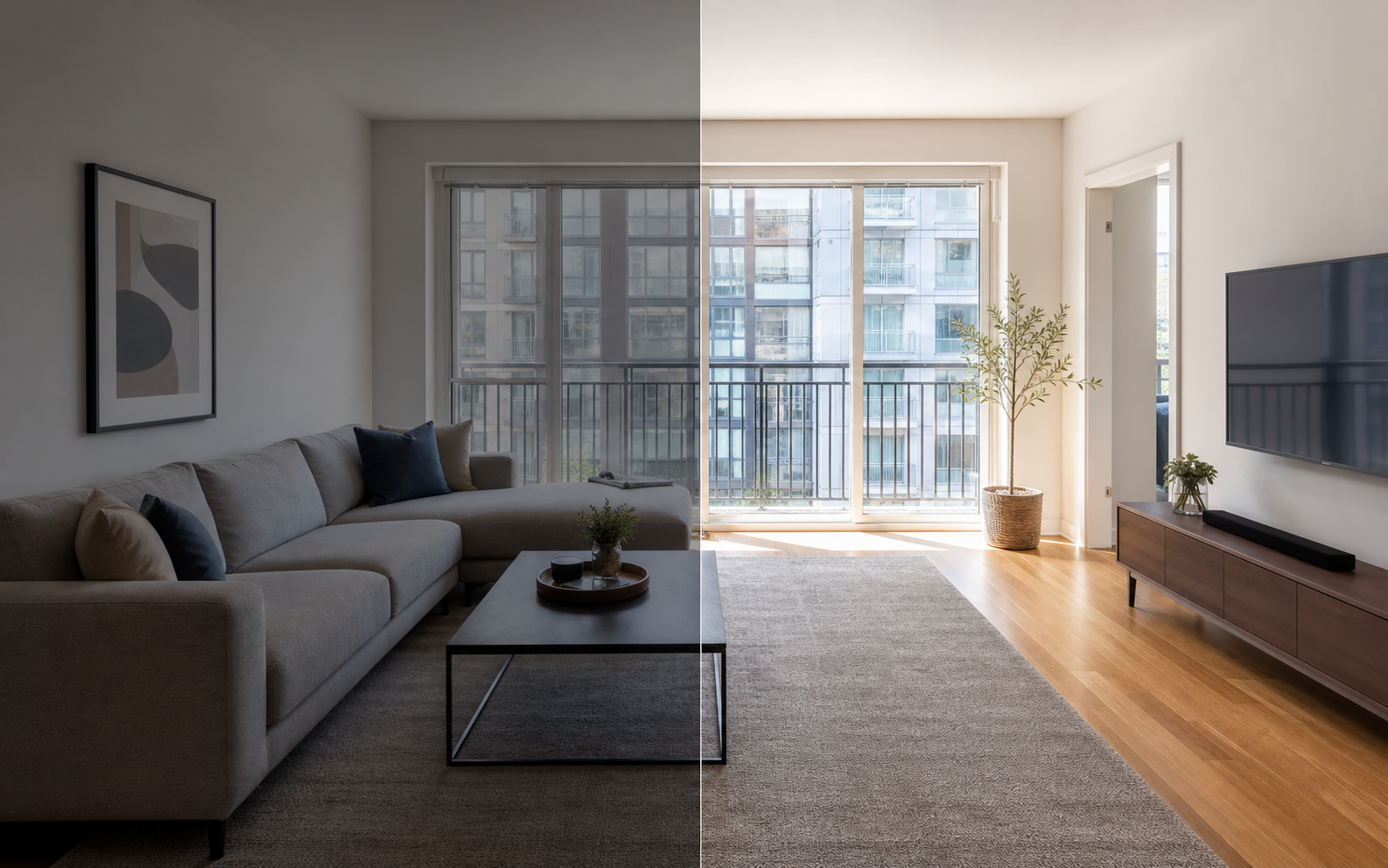
Most bathroom photo problems are lighting problems: warm bulbs, no window, and reflective tile combine to produce yellow casts, murky shadows, and blown highlights near the mirror. The fix is correction, not concealment. Brighten the exposure evenly, neutralize the white balance so whites read white, lift the shadows enough to show the floor and grout, and sharpen lightly so surfaces look crisp rather than smeared. Property Photo AI handles this in touch-up mode, correcting light and color while preserving the real fixtures, tile, and condition, which keeps the result inside the routine-correction zone that platforms and guests expect. A bathroom that photographs bright and neutral, and matches that photo on arrival, is one of the cheapest trust wins available in a listing.
FAQ
Do Airbnb listings need bathroom photos?
Yes. A missing bathroom photo makes guests wonder what is being hidden, especially for longer stays and group trips. Airbnb's photo-tour guidance expects each room or space to have at least one photo, and the bathroom is the space guests worry about most.
How do I make bathroom photos look better?
Clean thoroughly, close the toilet lid, clear the counters, hang fresh towels, use even light, and keep vertical lines straight. Then edit for brightness and color only. Preparation does most of the work; editing just makes the clean bathroom easier to see.
How many bathroom photos should a listing have?
One clear photo per bathroom at minimum, two if the room cannot be captured in a single frame. Listings with multiple bathrooms should show each one and caption which is which, so groups can tell whether a bathroom is shared or attached.
Can I edit out mold or cracked tile from bathroom photos?
No. Removing mold, cracked tile, broken fixtures, missing caulk, or other real condition issues misrepresents the property. Guests discover the truth on arrival, reviews suffer, and platforms emphasize that photos must match reality. Fix the problem or show it honestly.
Why do my bathroom photos look yellow or dark?
Most bathrooms have warm artificial bulbs, no natural light, and reflective surfaces, which produces yellow casts and murky exposure. Turn on every light, use white balance correction, and brighten evenly in editing. The fix is color correction, not concealment.
How Property Photo AI helps
Property Photo AI helps landlords, Airbnb hosts, property managers, and real estate teams turn existing room photos into cleaner listing-ready images. It is built for realistic touch-ups: better light, color, crop, sharpness, and small-distraction cleanup without changing the actual room layout, fixtures, view, or condition.
Sources
- Airbnb Help Center: Taking great photos of your listing
- Airbnb Help Center: Setting up a photo tour for your home listing
- Airbnb Help Center: Add visual descriptions to photos in your listing
- Airbnb Help Center: Confirming photo accuracy for listings
- Airbnb Help Center: Offer for free Airbnb photography
- Google Business Profile
- Google Business Profile Help: Manage your hotel's details
- Booking.com Partner Hub: Understanding photo requirements for your property
- Booking.com Partner Hub: Improve visibility and ranking
- Vrbo Help: Photo guidelines
- Zillow Rental Manager Help: Photo Uploading Tips
- Zillow Rental Manager: Post a listing
- Zillow Rental Manager Help: Why is my primary photo different?
- Craigslist Help: Creating a posting
- Craigslist Help: Images
- Airbnb Help Center: Pricing your home listing
- Airbnb Help Center: Compare similar listings
- Airbnb Help Center: How search results work